
Join our Discord Explore DynamicHorizon — Dynamic Island for macOS
CUSTOM LIVE BACKGROUNDS ON MACOS

Backspace for Mac

Live wallpapers designed for macOS.
Bring your desktop and Lock Screen to life with 4K backgrounds.

Purchase Free Trial
One-time purchase $9.99 $8.99
✕
Notes

Backspace Changelog

1.1.4 Hotfix | Current Release

August 17, 2026

  • Fixed an issue where the remove button from Installed wallpapers could incorrectly appear on cards throughout the app.
  • Improved wallpaper card interaction consistency across Home, Explore and Collections.
  • Minor optimizations and bug fixes.

1.1.3

  • Import your own local videos and use them as live wallpapers with Backspace Pro.
  • Redesigned Collections with dedicated Installed, Favorites and My Playlist sections.
  • Reorder playlist wallpapers with drag and drop.
  • Remove installed wallpapers and playlist items directly from their cards.
  • Open any playlist item directly in its wallpaper preview.
  • Redesigned Settings with clearer General, Wallpaper and Info sections inspired by macOS.
  • Improved wallpaper appearance, playback, playlist and system controls.
  • Refined display selection and wallpaper preview actions across macOS Tahoe and Sequoia.
  • Added smoother transitions when switching between Collections sections.
  • Added visual refinements, hover improvements, alignment fixes and stability improvements.

1.1.2

  • Added wallpaper playlists with automatic rotation and playback controls.
  • Added playlist management to Collections.
  • Added per-display wallpaper selection for multi-monitor setups.
  • Added playlist auto-start and rotation interval settings.
  • Added community-powered Popular and Trending wallpaper rankings.
  • Added visible like counts with real-time updates.
  • Improved Discover tags with more accurate wallpaper matching.
  • Added dynamic category heroes that change with each visit.
  • Added persistent Back and Scroll to Top controls in Explore.
  • Improved wallpaper preview actions and playlist feedback.
  • Refined navigation, display controls and Liquid Glass styling.
  • Improved Get Started and Pro screens in macOS Light Mode.
  • Fixed Explore category gaps, missing wallpapers and background artifacts.
  • Fixed duplicated wallpaper results and several alignment issues on macOS Sequoia.
  • Improved trial controls and repositioned the Get Pro button for clearer access.

1.1.1

  • Redesigned Home with richer categories and more immersive wallpaper discovery.
  • Added refined Liquid Glass controls for macOS Tahoe and later.
  • Improved hero video startup and transitions with no initial black flash.
  • Added responsive elastic scrolling across Home and Explore.
  • Refreshed wallpaper titles and reorganized curated collections.
  • Refined navigation, download actions and visual hierarchy.
  • Preserved downloads, favorites and applied wallpapers during the library update.
  • Polished Settings and improved overall visual consistency and stability.

1.1.0

  • Introduced the first Liquid Glass interface update across core controls.
  • Expanded category browsing and improved collection presentation.
  • Fixed category names that could display formatting characters incorrectly.
  • General stability and visual refinements.

1.0.5

  • Added a customizable menu bar background option in settings with support for custom colors to match your desktop aesthetic.
  • Refined layout usability to make application controls more intuitive and accessible.
  • Optimized the interface for enhanced performance and smoother visual transitions.

1.0.4

  • Enhanced the Home screen customization with more layout and view options.
  • Added custom design options and layout refinements to the Explore tab.

1.0.3

  • Added a black fade-in transition when switching wallpapers from the lock screen to the desktop.
  • Introduced a toggle setting to enable or disable the transition animation between the lock screen and the desktop.
  • Enabled "Open at Login" by default for a smoother startup experience.

1.0.0

  • Introduced Backspace with cinematic live wallpaper previews and a dedicated hero demo inside the site.
  • Added liquid glass transparency controls so the presentation can be tuned against the current wallpaper and environment.
  • Refined wallpaper preview cards with loop metadata and download-focused actions for faster browsing.

Initial Release

  • First public Backspace release notes embedded directly into the demo notes window.
CUSTOM LIVE WALLPAPERS

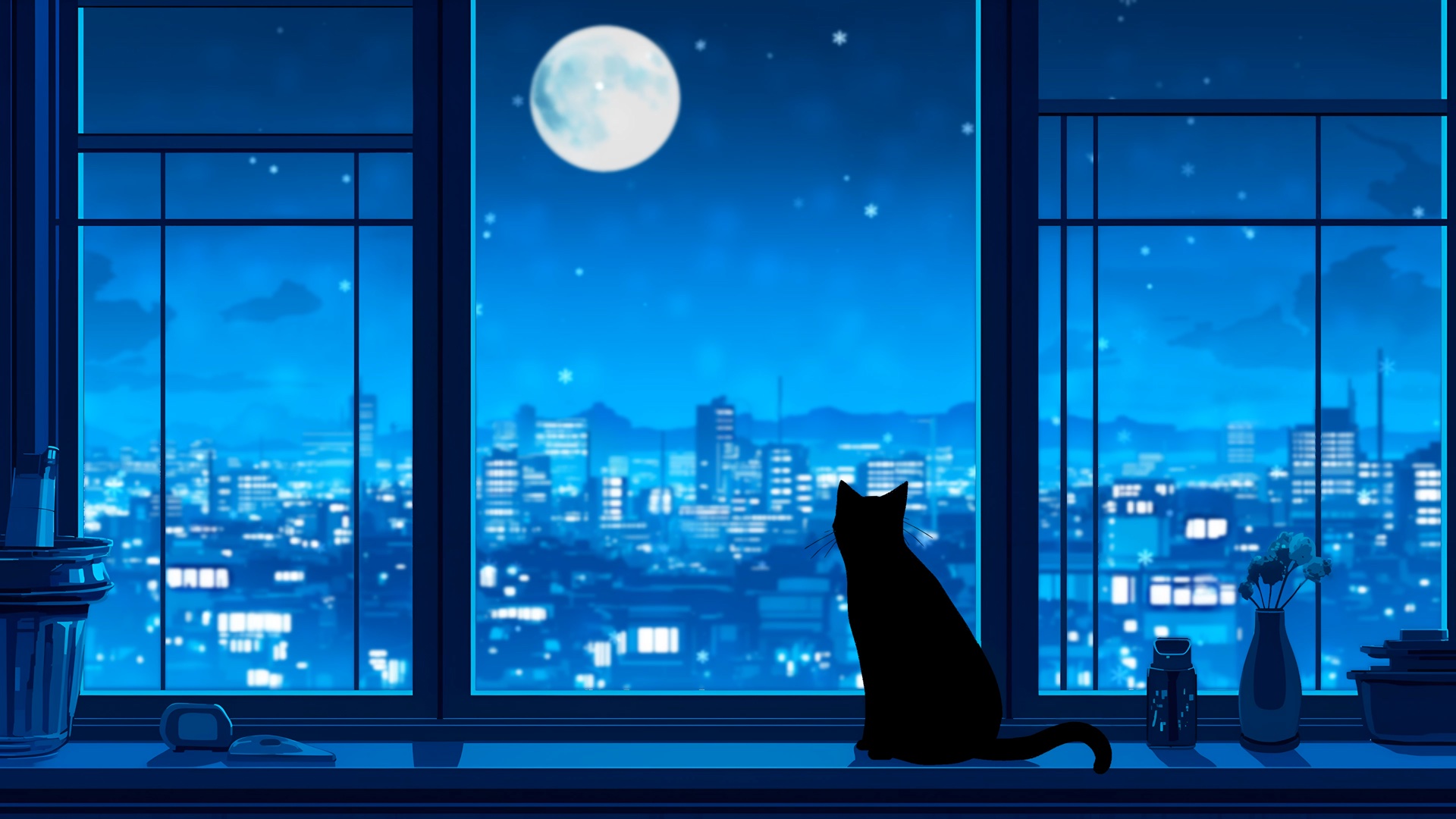
Transform your Mac with animated backgrounds and immersive live wallpapers that bring your desktop to life.

Wallpaper 1
Wallpaper 2
Wallpaper 3
Wallpaper 4
Wallpaper 5
Wallpaper 11
Wallpaper 22
Wallpaper 33
Wallpaper 44
Wallpaper 55
MacBook Mockup

SCENES

Motion, refined.

Endless Loop.

Built for desktops that crave more than stillness. Looping live wallpapers with fluid playback, layered detail, and a mood that settles into your space.

CUSTOMIZATION

Tune every scene to match the feel, color, and rhythm of your desktop.

A huge library of wallpapers. Across curated categories, distinct moods, and scenes made for every kind of space.

MacBook Mockup

Super Saiyan Strike

4K (3840 x 2160) • 68 MB • 0:18

68 MB • 0:18 • Endless Loop

Download

Apply wallpapers easily, save favorites, and keep your best scenes ready to refresh anytime.

MacBook Mockup

Shadowed Vigilante Stare

4K (3840 x 2160) • 57.3 MB • 0:30

57.3 MB • 0:30 • Endless Loop

Download

Every wallpaper is carefully handpicked for cleaner framing and a desktop that feels intentional.

MacBook Mockup

Dark Cyber Samurai

Full HD (1920 x 1080) • 6.6 MB • 0:25

6.6 MB • 0:25 • Endless Loop

Download
LOCKSCREEN

Live wallpapers, right on your Lockscreen.

Sat 8 Aug 09:41

Backspace

Touch ID or Enter Password

Live wallpapers make your lockscreen feel premium with moving backgrounds that add personality to your Mac and make every time you open it feel better.

Help Center

Frequently Asked Questions

1. What is Backspace?
Backspace is a macOS app that brings live wallpapers to your desktop and lockscreen. It makes your Mac feel more alive with moving backgrounds that remain clean, smooth, and native to macOS.
2. What versions of macOS are supported?
Backspace is compatible with macOS 14 Sonoma and newer.
3. Is this developed by Apple?
No. Backspace is developed by independent creators and is not affiliated with Apple Inc. References to macOS features are descriptive and comparative.
4. What kind of license do I receive?
You receive a one-time purchase for a perpetual lifetime license, intended for personal use on one Mac. If you switch Macs, contact support to transfer it.
5. What does “lifetime license” mean?
It grants you the right to use Backspace indefinitely and includes future updates for the current major version of the software.
6. How many devices can I use it on?
Your license permits Backspace to be actively used on one device at a time.
7. How does license verification work?
Activation sends your license key and a device identifier for validation. Separately, anonymous wallpaper interactions may be counted for public likes and Popular and Trending rankings. These counts are not linked to your license, hardware ID, Apple account, email, or location.
8. How do I transfer my license to a new Mac?
Your license is fully transferable. If you upgrade your Mac or replace its logic board, contact support to reset your key.
9. Does Backspace collect personal data?
Backspace does not build a personal activity profile or collect precise location. A random installation identifier deduplicates anonymous wallpaper likes, downloads, and applications used for public counts and rankings. See the Privacy Policy for details.
10. What is the refund policy?
We offer a 14-day money-back guarantee. Refunded purchases result in the deactivation of the associated license.
11. How do I request a refund or contact support?
For refunds, technical assistance, or billing questions, visit the Support Center.
12. Does the App Store version support lockscreen wallpapers?
Because of App Store sandboxing requirements, that version cannot currently set the system lockscreen wallpaper. The standalone website version supports synchronized lockscreen and desktop transitions.
13. Can App Store customers get the website version?
Yes. Contact support with your App Store receipt to receive a discount for the standalone license.
A selection of animated wallpapers available in the Backspace community

Community

Discover your next atmosphere

Explore a growing collection of animated scenes, save the ones that fit your space, and keep your desktop feeling fresh.

High quality wallpapers

Retina-ready by design

4K live wallpapers built for Retina displays, preserving fine detail through every frame and every movement.

Lockscreen Support

The desktop is only the start

Set your live wallpaper on the Lock Screen and keep the same configuration on your Mac.

ECOSYSTEM

Built for low CPU usage and less battery drain. Backspace pauses wallpapers when they are covered, out of view, or behind full-screen apps.

Built to save power

Pauses off-
screen when
hidden.

Covered windows, hidden Spaces, and full-screen apps stop wallpaper playback until it is visible again.

Optimized for playback

Low CPU.
Smooth motion.

Uses system decoders and only runs when needed, so your Mac stays focused on what is actually on screen.

TRUST

Buy with confidence.

One-time purchase.
Yours to keep.

Start with a free trial, then unlock Backspace with one purchase. No subscription, no fees, no surprises.

A refund policy that
keeps it simple.

Try Backspace on your Mac first. If it is not the right fit, our clear refund policy makes it easy to request one.

Customer support
when you need it.

Questions about setup, compatibility, or your license? Our support page makes it easy to get help and keep moving.

Backspace Icon

Elevate your macOS space
by using Backspace.

Free Download

5% OFF Discount Code

Use this code at checkout
to claim your launch discount.

LAUNCH5

Copied to clipboard!

Opening Checkout...

Waiting for the secure checkout connection.

If nothing happens please .